
One app for your whole school
Principals, teachers, students and parents all install the same app and sign in with the same screen. What you see is decided by your role at your school — there is nothing to choose between.
Android 6.0 (Marshmallow) or newer · com.skolarbot.skolar_app
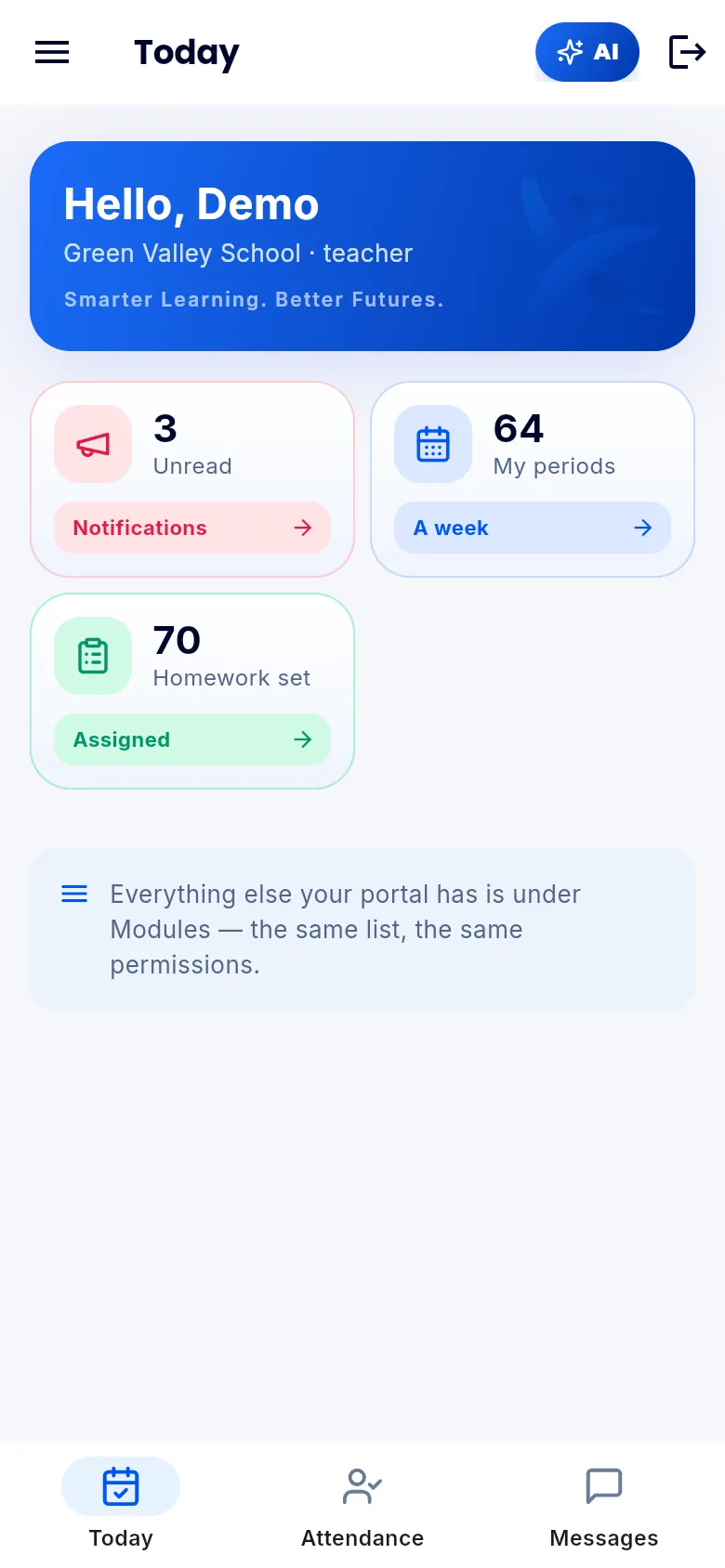
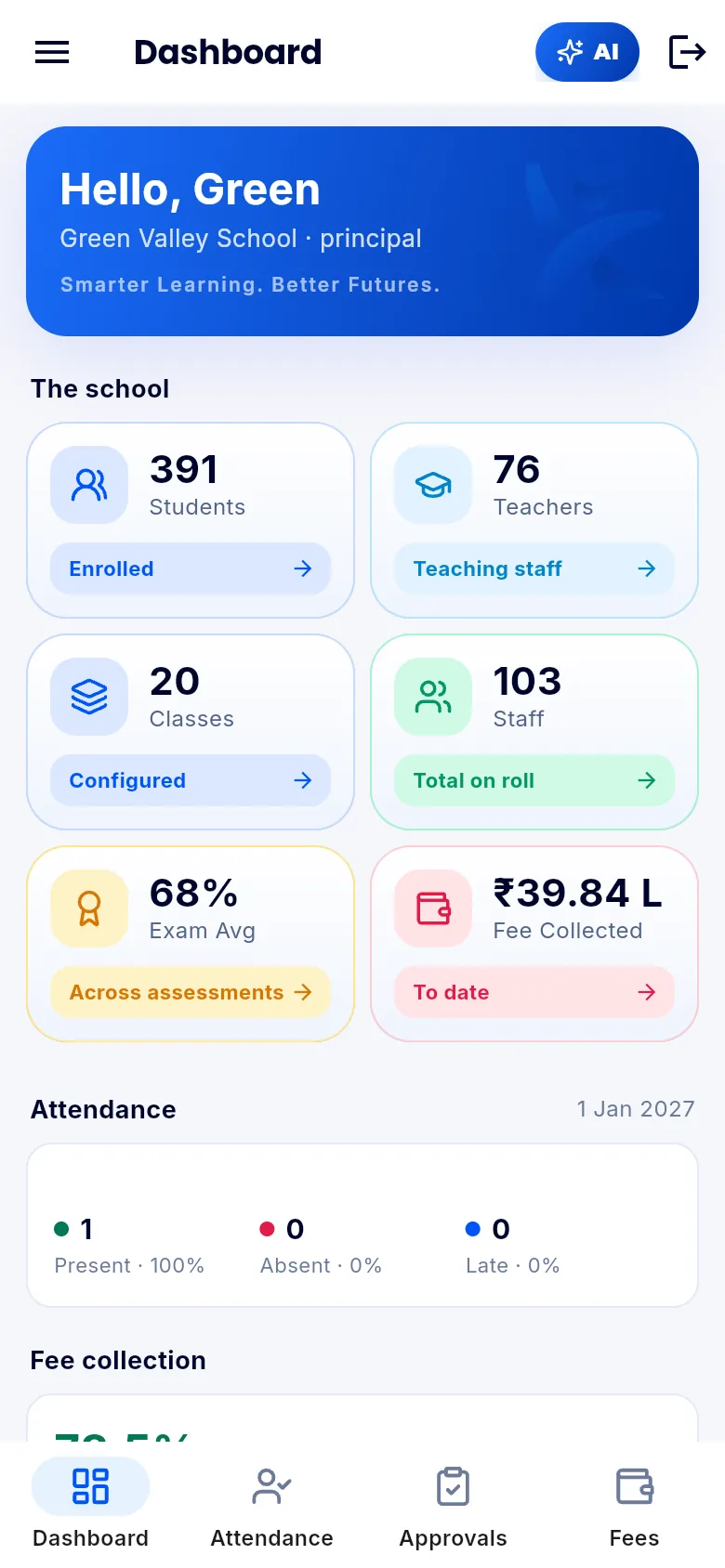
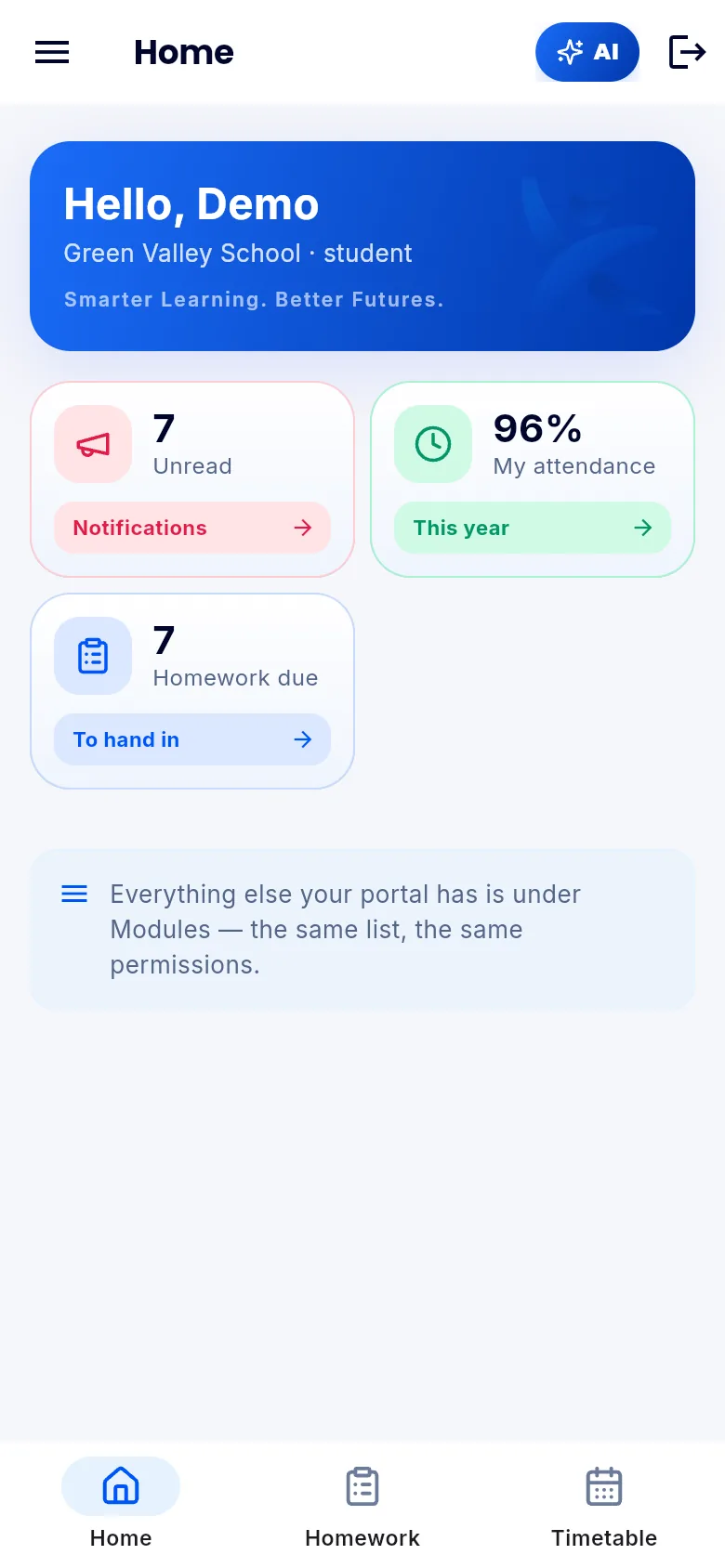
Principal
Approvals, attendance, fees and at-risk students — the day's decisions in one place.
Teacher
Your classes, attendance marking, homework and marks.
Student
Timetable, assignments, results, fees and the AI tutor.
Parent
Your children's attendance and results, fee payment and messages.
Installing the APK
Android blocks apps that do not come from the Play Store until you allow it once. This is normal and takes about ten seconds.
- 1Tap the download button — the file saves to your Downloads folder.
- 2Open it. Android will ask whether to allow installs from your browser.
- 3Turn on “Allow from this source”, then go back and tap Install.
- 4Open Skolar Bot and sign in with your school email or your ID number.
Signing in
Use the email your school registered, or your school code with your admission / employee number. Your school code is the name in your portal address — forgreen-valley.skolarbot.comit is green-valley.
- Your login is created by your school
- One account works across every school you belong to
- Everything you can see on the web, you can see here
Trouble installing? Call +91 76785 92540.
On iPhone
The iPhone build is in progress and not on the App Store yet. Until it lands, everything works in Safari — sign in at your school's portal and add it to your Home Screen.